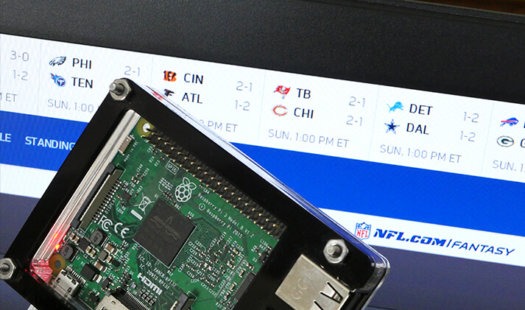
Raspberry Pi Kiosk using Chromium
In this tutorial, you will learn how to set up your Raspberry Pi as a Chromium powered kiosk. Chromium is one of the best tools for converting a Pi to a kiosk thanks to its wide website support. Read More

In this tutorial, you will learn how to set up your Raspberry Pi as a Chromium powered kiosk. Chromium is one of the best tools for converting a Pi to a kiosk thanks to its wide website support. Read More
In this Raspberry Pi NTFS guide, we will be showing you how you can add support for the NTFS file system to your Raspberry Pi. While the Linux Kernel has some NTFS support, it is strictly read-only access. This read-only means that we have to install a separate userspace driver to be able to write […] Read More
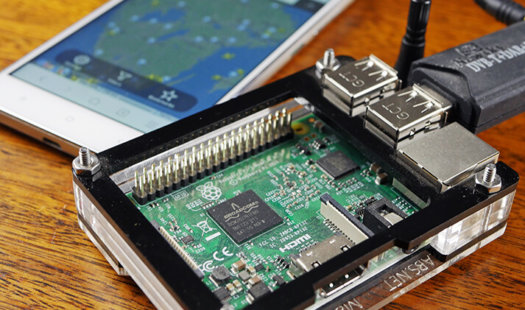
In this tutorial, we go through the steps of setting up Flightradar24 on the Raspberry Pi. By supplying your ADS-B data, you will get a business account for free, which is a huge saving if you use the Flightradar24 service a lot. Read More
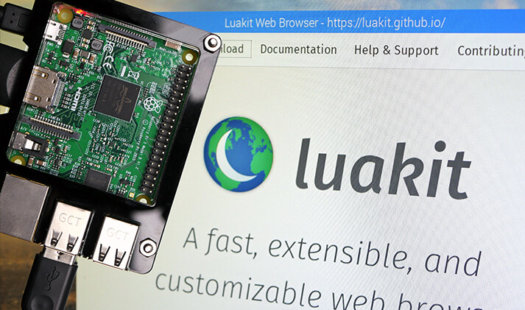
In this Raspberry Pi Luakit tutorial, I take you through all the steps on how to install the Luakit browser. I assume you will be using Raspbian for this tutorial so if you’re running something else, then the steps might differ slightly. Luakit is a little different, so it may or may not take your […] Read More
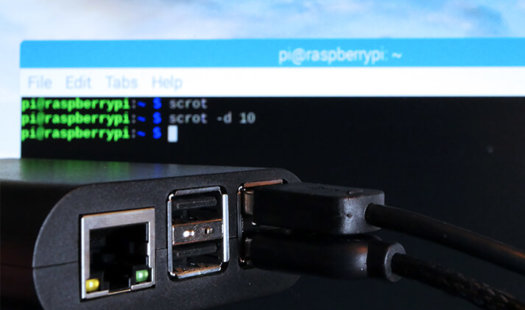
In this tutorial, we take you through the steps to take screenshots on the Raspberry Pi. We use the scrot package, a screen capture software that easily takes screenshots. It is a command line tool, but you can easily hotkey it to a key on the keyboard. Read More
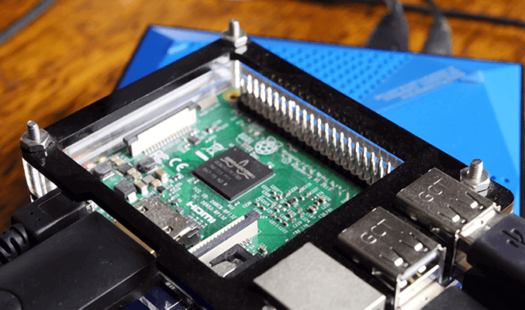
In this Raspberry Pi exFAT guide, we will be showing you how you can enable support for the exFAT file system format on your Raspberry Pi. For those who do not know, exFAT (Extended File Allocation Table) is a proprietary file system format developed by Microsoft, and is designed to be optimal for flash memory […] Read More
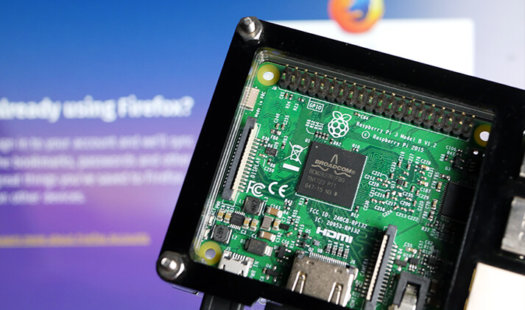
In this tutorial, we will walk through all the steps to installing the Firefox browser on the Raspberry Pi. This tutorial is perfect if you are a fan of Firefox and would love to use its many features. It is the ideal alternative to Chromium. Read More
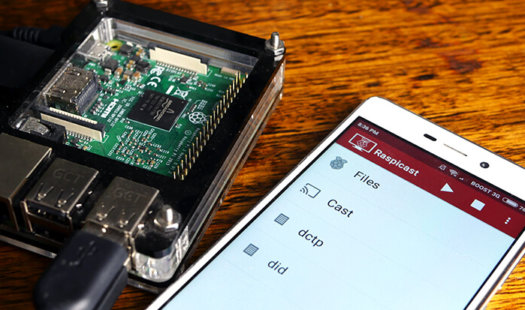
In this Raspberry Pi Chromecast tutorial, we will be showing you how you can set up your Raspberry Pi to act as a Chromecast device. While we can’t implement the same protocol that Chromecast relies on we can replicate this on the Raspberry Pi. We replicate its behavior by using two key pieces of software […] Read More
In this Raspberry Pi Gitea tutorial, we will be showing you all the steps to getting Gitea up and running on the Raspberry Pi. Gitea, if you have never heard of it, is a self-hosted Git service, offering an interface much like Github for those who want to self-host there Git repositories but still want […] Read More
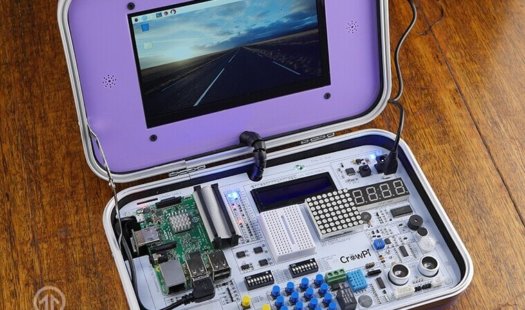
In this CrowPi review we will be showing off a brand new device from STEM (Science, Technology, Engineering, and Mathematics) focused manufacturer Elecrow. For those who do not know who Elecrow are, they are a Chinese manufacturer based out of Shenzhen. The CrowPi is an education-focused Raspberry Pi Kit that has been built into a very […] Read More
This tutorial will cover all the steps for installing the Vivaldi browser on the Raspberry Pi and explain why you might want to do so. Vivaldi is packed with features that make it an enticing alternative browser. Read More
In this Raspberry Pi terminal sharing tutorial, we are going to show you how to utilize a software package called tmate so that you can share your terminal with other computers, even when you are behind a firewall. While the Raspberry Pi comes with VNC which allows you to share your desktop with other computers, […] Read More

In this Raspberry Pi Wiimote controllers guide, we will walk you through the process of setting up a Wiimote on your Raspberry Pi and show you how to setup both cwiid and wminput. Utilizing Wiimote controllers on the Raspberry Pi can be painful to deal with due to its handling of the Bluetooth stack. While […] Read More
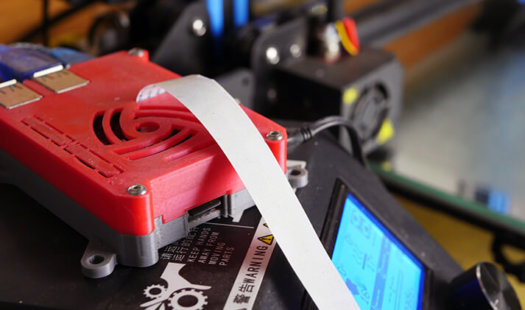
In this tutorial, we will be walking you through all the steps that you need to follow to be able to set up OctoPrint on your Raspberry Pi and connect it to Cura. To simplify things, we will be using the OctoPi distribution. This distribution is a pre-setup version of Raspberry Pi OS with everything […] Read More
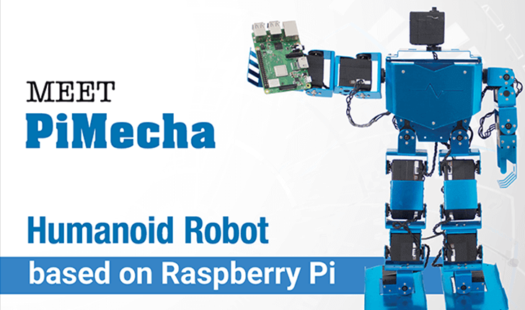
London based technology company SB Components LTD has released their latest invention, the PiMecha to Kickstarter. The PiMecha is one of the coolest inventions for the Raspberry Pi that we have seen on Kickstarter with it giving you access to a robot that has 17 degrees of control thanks to a bank of smart bus […] Read More
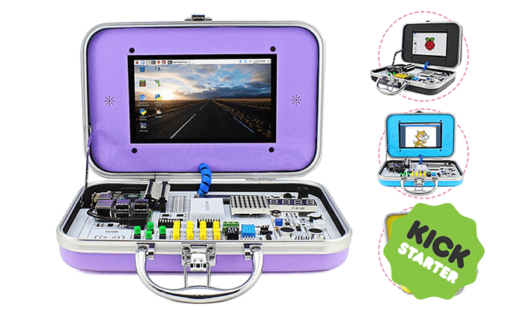
CrowPi is an educational Raspberry Pi kit that has just started its Kickstarter campaign, the device is designed by Elecrow, a company based out of Shenzen, China. It has been designed to try and ease people into using their Raspberry Pi for computer programming, basic electronics, and general computer science. CrowPi like numerous products that […] Read More
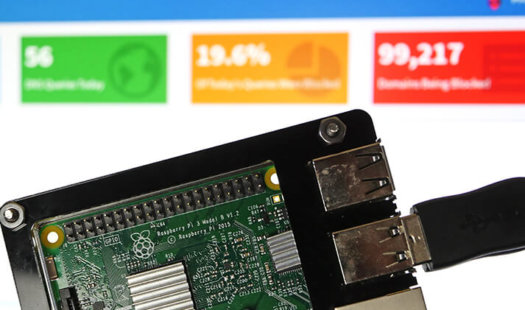
In this Raspberry Pi tutorial, we will be showing you how to set up a network-wide ad blocker using the Pi-hole software. This software works by acting as the DNS server for your whole network; it then filters all domain names against any installed blocklists. Read More

Learn some of the straightforward ways that you can connect your PlayStation controller to a Raspberry Pi. By following this guide, you will be able to connect both PlayStation 3 and 4 controllers using either a cable or a Bluetooth connection. Read More
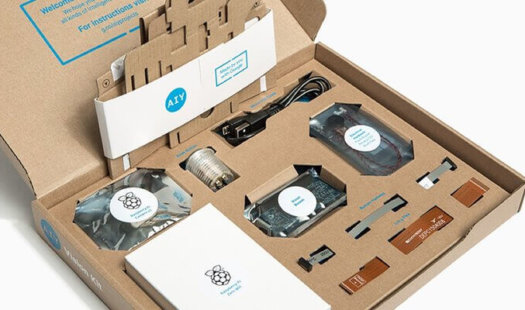
Google has released an updated version of its Google AIY Project, these upgraded versions of the kits come packed with everything you might need to setup either their Voice or Vision projects. In these new kits, you will now find the newly released Raspberry Pi Zero WH, which is basically a Raspberry Pi Zero W […] Read More
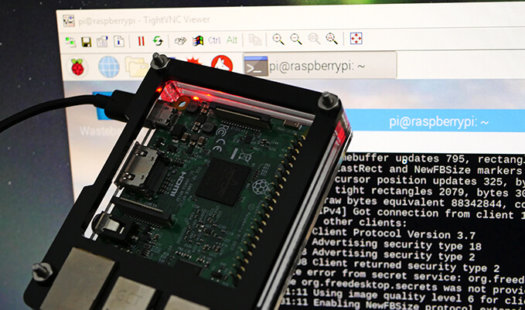
In this Raspberry Pi screen sharing tutorial, we are going to show you how to setup VNC so that you can share screens. Sharing screens is incredibly helpful if you require viewing what is being displayed on the main screen. Usually, VNC will create a new session on the Raspberry Pi meaning you won’t be […] Read More