
Cup and Counter Is Now Available on Steam
Cup and Counter, a café simulation game made by two brothers, is now available on Steam. Craft drinks by hand, serve food, hire staff, decorate your shop, and manage the books. Read More

Cup and Counter, a café simulation game made by two brothers, is now available on Steam. Craft drinks by hand, serve food, hire staff, decorate your shop, and manage the books. Read More

We are excited to announce that the demo for Cup and Counter is now available to play on Steam. Read More
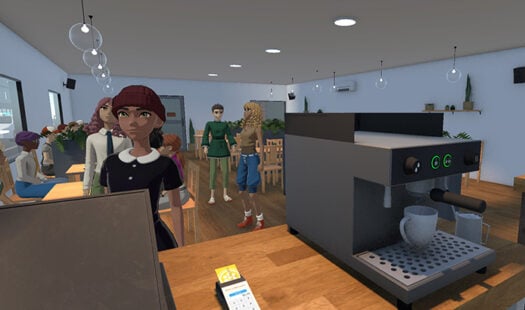
Over the last few months, we have been working on something slightly different. Today, we're happy to share it with the world. It's our first indie game, Cup and Counter, and it is live on Steam and ready for wishlisting. Read More
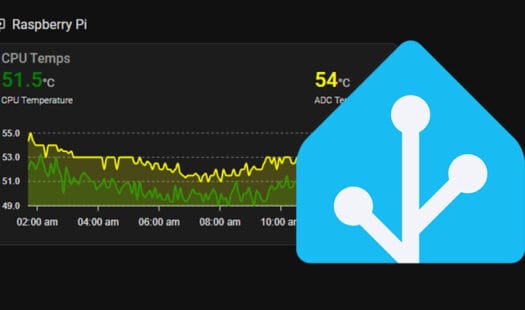
This tutorial takes you through the steps to setting up both the glances add-on and integration on Home Assistant. Glances will allow you to track CPU, memory, disk usage, and more from a single interface. It is super easy to set up. Read More
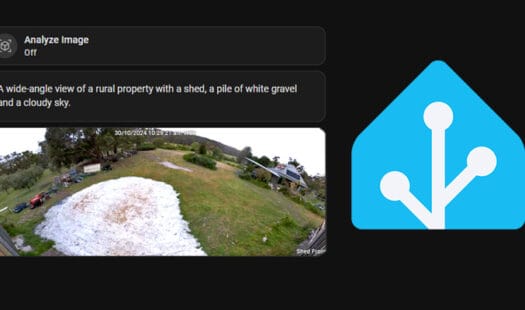
In this tutorial, I'll explain how to integrate an AI image analyzer with Home Assistant. This setup allows AI to classify images, giving helpful information about photos, videos, or streams. For example, you can verify if the bins are out for collection without opening the camera. Read More
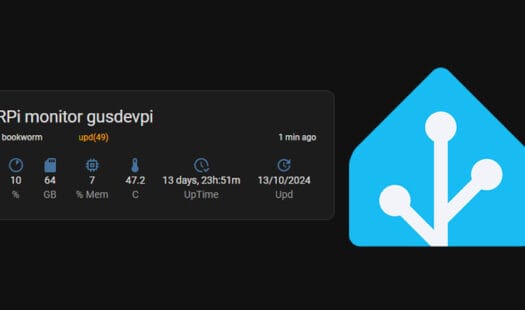
In this tutorial, we will guide you through the process of setting up Home Assistant to monitor the resource usage of your Raspberry Pi system. Home Assistant provides a convenient way to monitor various devices, including your Raspberry Pis. Read More

In this tutorial, I walk through the steps of setting up the Spotify integration in Home Assistant. Integrating Spotify into Home Assistant is a great way to control your music remotely or automate it based on a series of events. It's relatively easy to setup. Read More
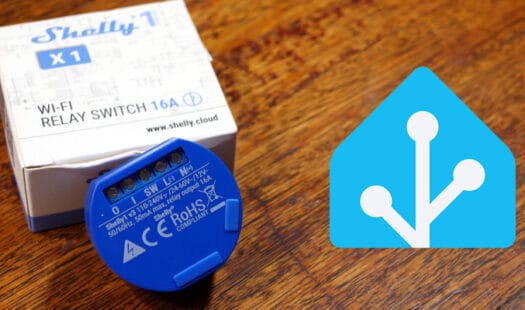
In this tutorial, we will walk through the process of setting up a Shelly device on Home Assistant. Shelly is a brand of smart home devices that work with various platforms including Google Home, Alexa, Home Assistant, and more. Read More
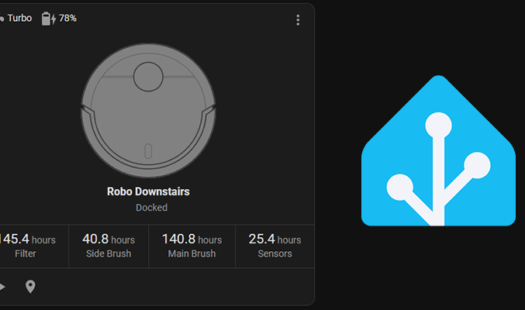
In this tutorial, I will guide you through the process of creating a dashboard card to display your robot vacuum in Home Assistant. To achieve this, you will need to install a custom frontend card, which can be obtained through the HACs store. Read More
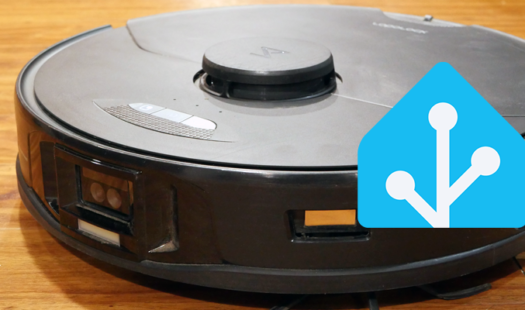
In this tutorial, I will guide you through the process of connecting your Roborock vacuums to Home Assistant. Integrating your Roborock vacuums into Home Assistant will allow you to monitor its various sensors and send commands. Read More
In this tutorial, we will guide you through the installation and configuration of Tailscale to work with Home Assistant. By using Tailscale, you can remotely access your Home Assistant without making it publicly accessible. Read More
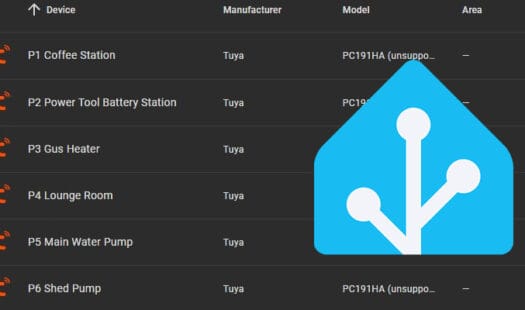
In this tutorial, we will guide you through the process of setting up Tuya devices on Home Assistant using the built-in integration. Tuya is a popular brand of IoT devices that are often used in smart homes. These devices include smart plugs, lights, thermostats, appliances, and many others. Read More
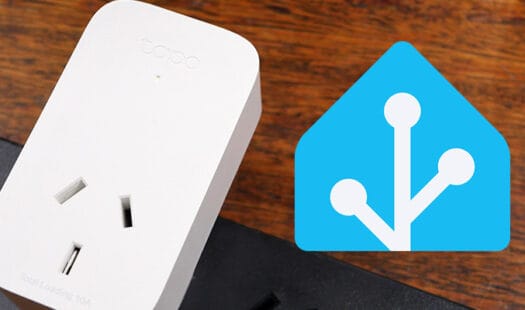
In this tutorial, we will discuss the different methods of setting up Tapo devices for your Home Assistant installation. Integrating Tapo devices into Home Assistant allows you to monitor and control them without using the Tapo app. You will need an internet connection to use the Tapo devices. Read More
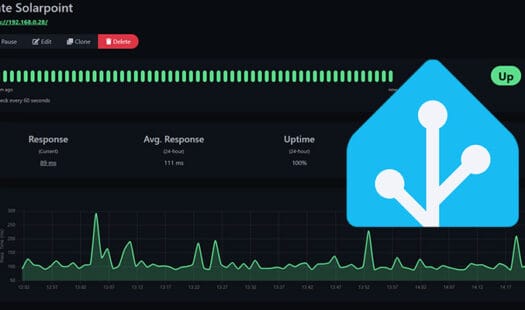
This tutorial provides a step-by-step guide on installing and configuring Uptime Kuma within Home Assistant to monitor devices and services. We also discuss the benefits of integrating with Home Assistant's watchdog for updates and stability. Read More
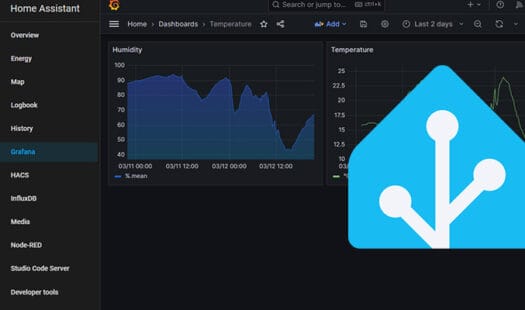
This tutorial provides a step-by-step guide on setting up Grafana in Home Assistant for enhanced data visualization. The tutorial covers installation, configuration with InfluxDB, and basic dashboard creation. It highlights Grafana’s superior tools for creating informative graphs compared to Home Assistant’s built-in options. Read More
This tutorial shows you how to install and configure InfluxDB on Home Assistant. InfluxDB is a time series database that can store data from Home Assistant. You can use InfluxDB data in other tools, such as Grafana. This InfluxDB works alongside the Home Assistants' database. Read More
This tutorial will take you through a few steps to installing Redis software on a computer with macOS. We will also touch on starting and stopping the server. Lastly, we cover connecting to the Redis server. Read More
In this guide, I go through several different methods to install Node.JS and NPM on MacOS. Both of these pieces of software are essential if you plan on doing heavy server-side JavaScript development. Read More
In this tutorial, I will guide you through the process of setting up an Ecowitt weather station in Home Assistant. By integrating your weather station with Home Assistant, you can create a personalized dashboard that displays a range of information. Read More
In this tutorial, we go through adding and configuring the Reolink integration in Home Assistant. Inside Home Assistant, you can view the camera feed and sensors. You can also control some functionality of the cameras. Read More