Self-Hosting a Hytale Server on the Raspberry Pi
In this project, you will learn how you can easily self-host a Hytale server on your Raspberry Pi. Hytale is a sandbox game focused on both adventure and creativity. Read More
These projects teach you how to turn your Pi into an awesome gaming machine.
In this project, you will learn how you can easily self-host a Hytale server on your Raspberry Pi. Hytale is a sandbox game focused on both adventure and creativity. Read More
In this project, we will be showing you how to install and run Half-Life 2 on your Raspberry Pi. This cult classic FPS can now be run thanks to a leaked version of the source code. With the Pi 5, you can even get decent performance. Read More
In this quick guide, we will be showing you how to turn your Raspberry Pi into a retro gaming machine by using the Batocera distribution. This distribution has support for a huge number of retro systems right out of the box. It is a great alternative to RetroPi. Read More
In this Raspberry Pi project, we will be showing you how to install and run Moonlight. This software is a self-hosted game streaming client known for its low latency and high-quality streaming. Read More
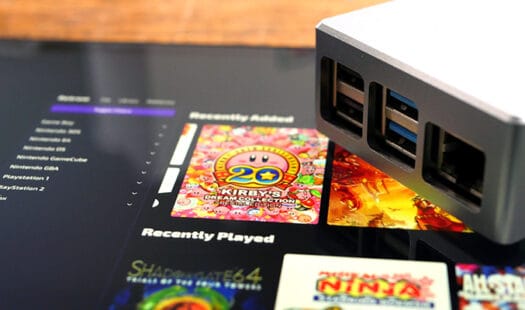
In this tutorial, you will learn how to install and run Retrom on your Raspberry Pi. Retrom is a self-hosted video game library focused on your retro games. It fetches metadata for all your games and displays it in a sleek web interface. Read More
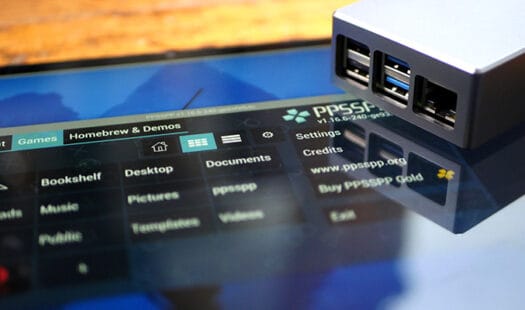
In this tutorial, you will be learning how you can install and run a PSP emulator on the Raspberry Pi. To achieve this, we will use the popular and heavily optimized PPSSPP. This emulator is one of the few that runs well on the Pi's hardware. Read More
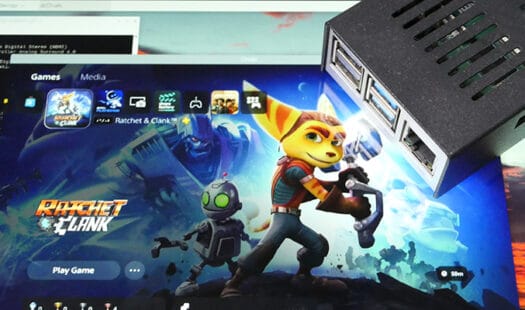
In this tutorial you will be learning how you can set your Raspberry Pi up as a PlayStation remote play client by using Chiaki. Chiaki works by acting just like an official remote play client so you can stream any of your PS5 or PS4 games. Read More
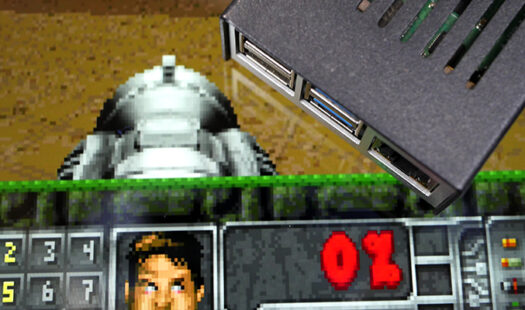
In this project, you will learn how to play the video game Doom on the Raspberry Pi. This classic FPS runs flawlessly on the Pi's limited hardware. To get this game to run we will be using a port called Chocolate Doom. Read More
In this tutorial, we will be showing you how to set up a dedicated Valheim server on the Raspberry Pi. The Pi is a power-efficient and capable device that lends it to be an excellent server for this multiplayer survival game. Read More
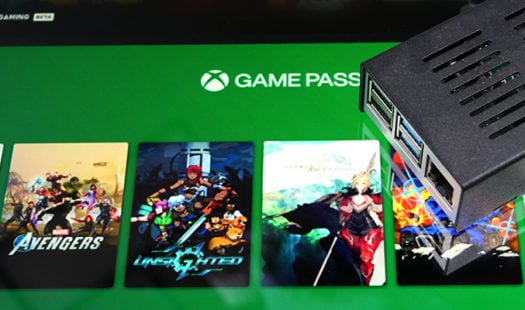
In this project, you will be shown how to run Xbox Cloud Gaming on the Raspberry Pi. Stream games from Xbox's servers directly with minimal latency. Bundled with Xbox Game Pass this is an affordable way to stream games. Read More
In this tutorial, you will be learning how to install the EmulationStation software onto your Raspberry Pi. This software gives you a graphical interface that you can use to sort and play your retro games. Read More
This guide will teach you how to run x64 applications on your Raspberry Pi by using Box64. This software emulates the x64 architecture on an ARM64 system. To run Box64, you will need to be using a 64-bit operating system. Read More
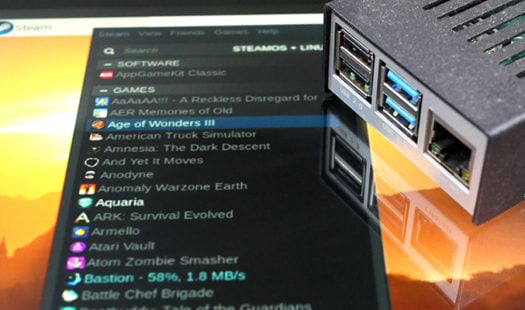
In this tutorial you will learn how to run the official Steam client on a Raspberry Pi. To get the official client to run we will have to utilize an x86 emulator such as box86. While it runs, the Steam client can be fairly unstable. Read More
In this guide, you will learn how you can run x86 software on a Raspberry Pi. To achieve this, we will use an x86 emulator called box86. This emulator works by converting x86 instructions into ARM instructions that the Pi's hardware can understand and run at a relatively decent speed. Read More
In this guide, we will be showing you how to get Quake 3 Arena running on the Raspberry Pi. To achieve this, we will showcase two different methods. One method makes use of the optimized Q3Lite build. The other uses the one provided through the package repository. Read More
This guide will show you how to set up a dedicated server for the Sonic fan game Sonic Robo Blast 2 (SRB2) on your Raspberry Pi. To run SRB2 on your Pi, you will need to clone and compile the source code from scratch. Read More
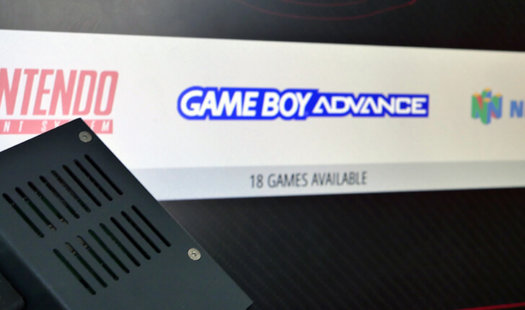
Learn the entire process of setting up Retropie on your Raspberry Pi. We go through all the basics and go through the many methods on how to get your ROMs on to the Pi. It's a fun project and a great way to play some of those forgotten classics from the past. Read More
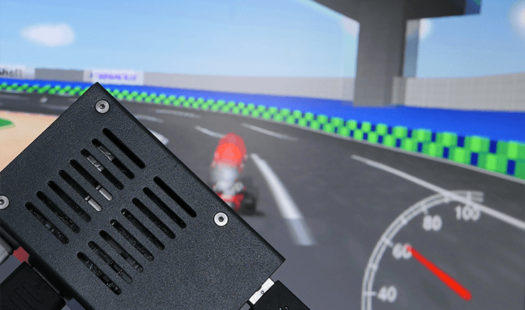
Recalbox is an emulator package that is very similar to RetroPie. It has different configurations and a slightly different user interface. Recalbox has a few more features and comes loaded with emulators for popular game systems such as SNES, N64 and more. Read More
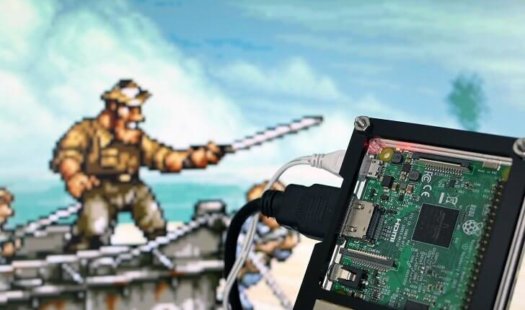
Learn how to install Lakka for the Raspberry Pi in this tutorial. Lakka is perfect for making your own retro gaming console. It is lightweight so you can get good performance when it comes to playing those classic games. It's perfect if you want to play some classics. Read More

In this tutorial, we will be looking at how to set up the Buzz controllers with the Raspberry Pi. We then go through the process of writing a quiz game that uses the controllers for input. It's an excellent tutorial that's worth doing if you have the time. Read More