The Basics of the chown Command
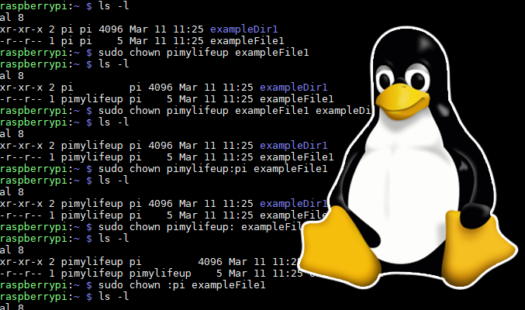
Learn the basics of the chown command with this quick and easy to understand guide. Learning about the chown command will help you understand and deal with the sometimes confusing Linux permission system. Read More
With this tutorial, you will learn how to set up and install Home Assistant to your Raspberry Pi. Home Assistant is a powerful, free, and open-source automation tool for your home that boasts excellent integration with a variety of devices. Read More
This tutorial will walk you through the process of installing and setting up Node-RED on the Raspberry Pi. Node-RED is a flow-based development tool that is perfect for IoT devices like the Pi and is incredibly easy to understand. Read More
This guide will show you how to set up a dedicated server for the Sonic fan game Sonic Robo Blast 2 (SRB2) on your Raspberry Pi. To run SRB2 on your Pi, you will need to clone and compile the source code from scratch. Read More
By following this guide, you will learn how to install Jenkins on your Raspberry Pi. Jenkins is a free and open-source automation server that provides functionality for both continuous integration and continuous delivery. Read More
In this tutorial, you will learn how to compile the FFmpeg software on the Raspberry Pi. FFmpeg is a collection of libraries that can encode and decode various video and audio codecs that is compatible with the Pi's ARM architecture. Read More
In this guide, you will learn how to install Minecraft Pi Edition to your Raspberry Pi. You will also learn how to make use of the Minecraft Python API to interact with the game world in various ways, such as changing blocks. Read More
In this guide, you will learn how to install and setup MongoDB on your Raspberry Pi. This guide will explore the process of how to install MongoDB on both Raspbian and Ubuntu. Ubuntu will give you access to newer builds of MongoDB. Read More
This guide will show you the process of installing the Ubuntu Server operating system to your Raspberry Pi. Ubuntu Server is a reliable and well-maintained alternative to the Raspbian operating system and even features 64-bit builds. Read More
This tutorial will walk you through the process of using IFTTT on your Raspberry Pi. IFTTT is a handy free web-service that stands for "If This Then That" and is used to make actions happen when a specific condition occurs. Read More
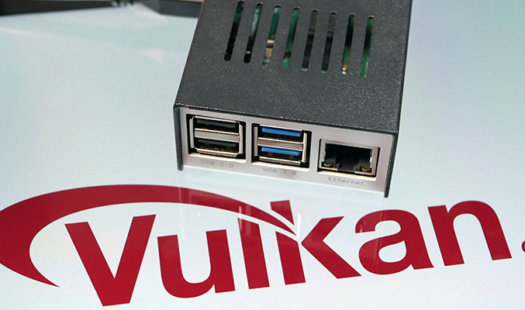
The Raspberry Pi foundation has begun work on developing a Vulkan driver for the Raspberry Pi 4. Check out the latest progress by the Igalia development team in developing this driver, as well as the added OpenGL ES 3.1 support. Read More
Use this guide to learn how to compile and run the popular gDrive software. gDrive is a command-line based tool for interacting with Google Drive. Using this software, you can sync files and directories with ease. Read More
In this Python tutorial, we will be walking you through the steps on how to use arrays. Throughout this guide, you will learn how to make use of the array module in Python to create and manipulate type constrained arrays. Read More
In this guide, you will learn how to manually change your Raspberry Pi's resolution using both the terminal and the desktop interface. Setting the resolution manually can be helpful when the automatic system fails. Read More
Within this guide, you will learn how to rotate the screen on the Raspberry Pi. We will show you the steps on how to rotate the orientation of the screen using both the terminal and the screen configuration tool. Read More
Learn how to set up an on-screen keyboard on your Raspberry Pi with these simple steps. Alongside learning how to add the virtual keyboard software, we will also show you how to add a keyboard toggle button to the taskbar. Read More
Learn how to change the hostname on your Raspberry Pi with this straightforward guide. This guide will show you how to change the hostname of your Raspberry Pi using either the terminal or the desktop interface. Read More
This quick guide will walk you through the steps to installing Mathematica on the Raspberry Pi. Mathematica a powerful math and data computation engine that is available for free to all Raspberry Pi owners using Raspbian. Read More
Find the IP address of your Raspberry Pi by following our quick and straightforward guide. We will be walking you through the process of finding the IP address of your Raspberry Pi both on and off of the device. Read More
In this project, you will learn how how to set up and test Docker on the Raspberry Pi with just a few simple commands. Docker is a powerful tool for managing software packages in a container with low overhead. Read More