
How to Factory Reset your Steam Deck
Learn how to reset your Steam Deck back to its factory state. This is useful removing all of your changes to steamOS. It is also great if you plan on selling or giving away your Deck. Read More

Learn how to reset your Steam Deck back to its factory state. This is useful removing all of your changes to steamOS. It is also great if you plan on selling or giving away your Deck. Read More
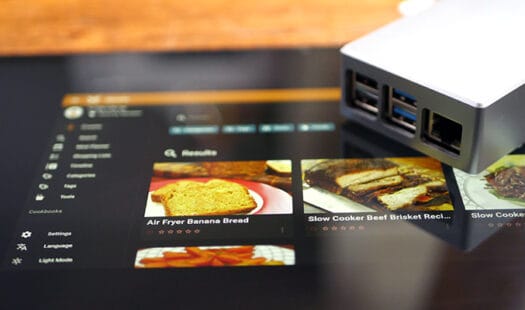
In this tutorial you will be learning how to install and run Mealie on the Raspberry Pi. This software allows you to manage a recipe library. It can even grab recipes from websites to store within your library. Read More
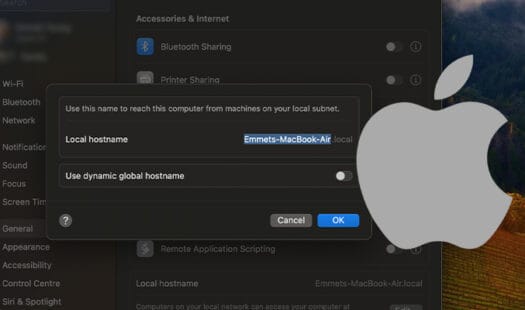
In this tutorial we will be showing you how to change both the computer name and local hostname on a Mac. These names are what help identify your Mac device on your local network. Read More
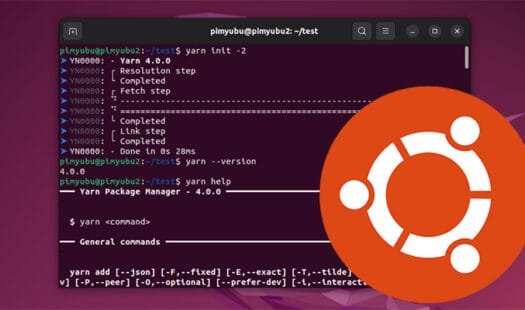
In this tutorial you will be learning how to install Yarn on the Ubuntu operating system. Yarn is a package manager for JavaScript projects. It is an alternative to the popular npm with a focus on performance. Read More
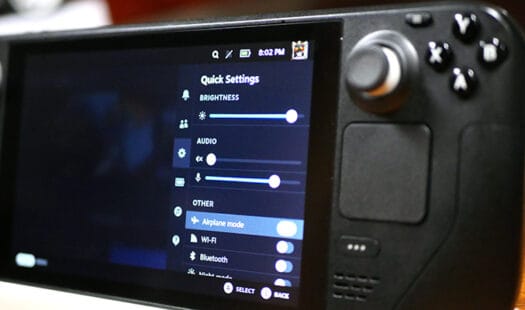
In this quick guide you will be learning how you can put your Steam Deck into airplane mode. This toggle allows you to easily disable the Wi-Fi and Bluetooth connection on your device. This mode is easily accessible through quick settings. Read More
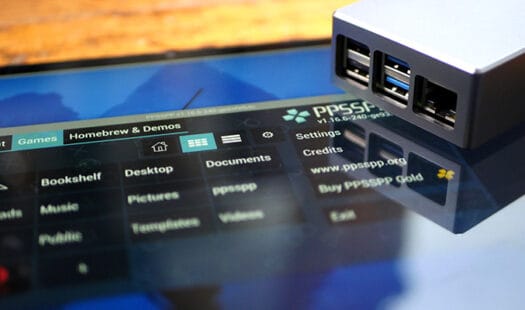
In this tutorial, you will be learning how you can install and run a PSP emulator on the Raspberry Pi. To achieve this, we will use the popular and heavily optimized PPSSPP. This emulator is one of the few that runs well on the Pi's hardware. Read More

In this article we check out the PiCar-X from SunFounder. This is a neat robotic car that is controlled by a Raspberry Pi. It is a great device for those wanting to get more into computing by learning automation and computer vision. Read More

In this guide we will be exploring the SunFounder Ultimate Sensor kit with Arduino Uno R4 Minima. This is a great starter kit for beginners. This kit comes with an Arduino and numerous sensors to use withit. Read More
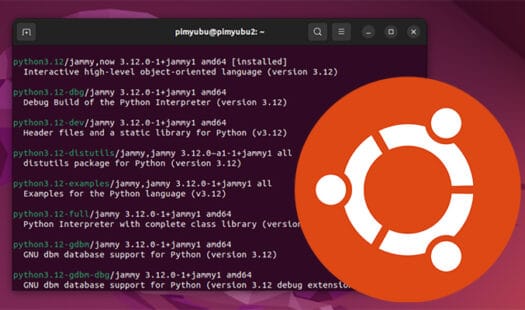
In this quick guide you will be learning how to install Python to the Ubuntu operating system. We cover both a simple method as well as how to install newer releases of Python that aren't available through the official repository. Read More

In this tutorial, you will be learning how to install the Heroic Games Launcher on your Steam Deck. Using this launcher, you can access both your Epic Games and GoG games through a single launcher. This client can run natively on Linux and doesn't have to rely on Proton. Read More
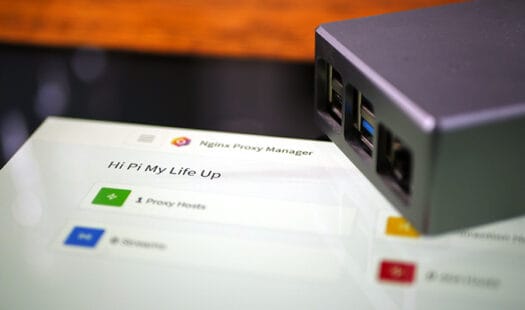
Learn how to set up the NGINX proxy manager on the Raspberry Pi. This tool allows you to create reverse proxies on your system easily. A reverse proxy will enable you to run software through NGINX, adding caching, SSL support, and more. Read More
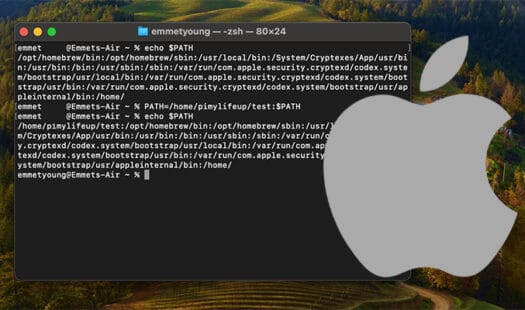
In this guide you will be learning how to change the PATH environment variable on macOS. The PATH variable makes running executables simpler. macOS will search any of the folders stored in this variable. Read More
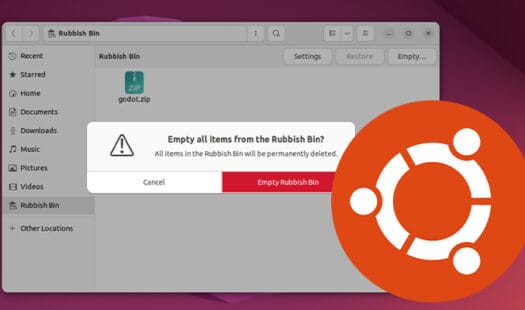
In this quick guide, you will be learning how to empty the trash bin on the Ubuntu operating system. The trash is where deleted files are kept when they are removed using the Files app. Using the rm command, files won't be moved into the trash folder and can't be recovered. Read More
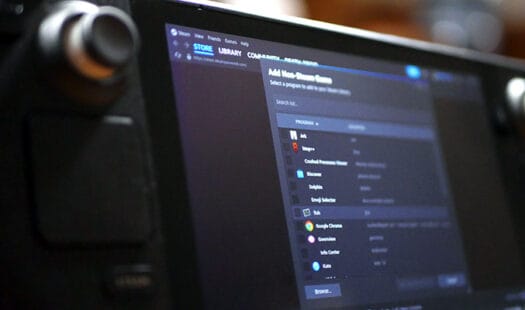
In this quick guide you will be learning the simple process of adding a non-steam game to your Steam Deck library. Learning how to do this will open you to a wealth of applications that aren't available through the official Steam store. Read More
In this tutorial, you will be learning how to install the Linkwarden bookmark manager on your Raspberry Pi. This software gives you a central place to store all of your bookmarks. It even has the ability to create a PDF of your bookmark automatically. Read More
In this quick guide, we will be showing you how you can open the terminal on macOS. The terminal allows you to run commands on your Mac. Software such as the Homebrew package manager requires you to use the terminal to install it. Read More
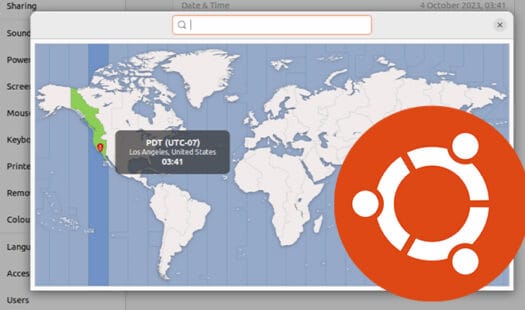
In this tutorial, you will be learning the easy ways to change the time zone on the Ubuntu operating system. The time zone is what affects the local time of your operating system. Read More
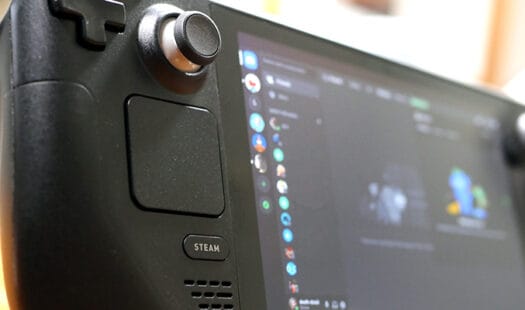
In this tutorial, you will learn how to install and run the popular VOIP and text client called Discord on your Steam Deck. Discord can even be run alongside your games while in gaming mode. You can easily swap between your game and the Discord client with a couple of button presses. Read More
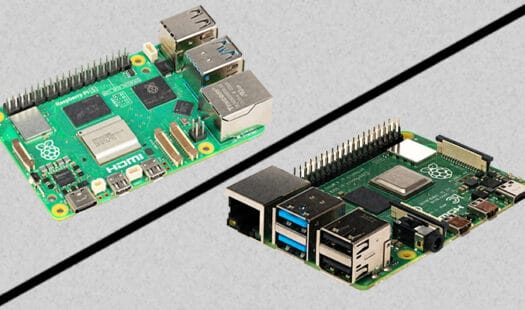
In this quick guide, we will compare the major differences between the Raspberry Pi 5 and its predecessor, the Raspberry Pi 4. The Pi 5 brings a wealth of improvements, but it doesn't make the Pi 4 completely obsolete. Read on to find out more about the differences of these devices. Read More
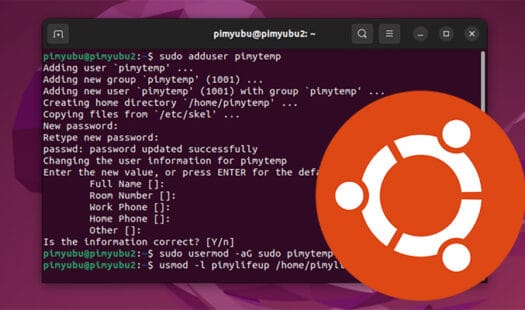
In this tutorial you will learn how to change your username on the Ubuntu operating system. This involves using the terminal and has some potential side effects that may break services on your device. Read More