How to List Docker Containers
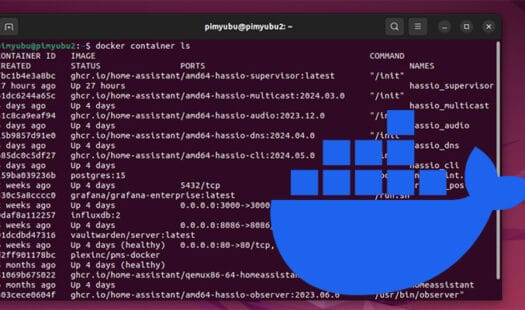
In this tutorial, you will learn some of the easy ways that you can list the Docker containers running on your system. With this you can get the ID of a container allowing you to control it or even tail logs. Read More
These tutorials will help you set up and configure Linux distributions.
In this tutorial, you will learn some of the easy ways that you can list the Docker containers running on your system. With this you can get the ID of a container allowing you to control it or even tail logs. Read More
In this tutorial, you will learn how to self-host a Satisfactory dedicated server on a Linux-based machine. Satisfactory is a factory simulation game developed by Coffee Stain Studios. It allows multiple players to play within the one world. Read More
In this tutorial, you will learn how to run a traceroute on a Linux based operating system. A traceroute is an incredibly powerful tool for debugging issues with your network connectivity. Since it checks every router, you can quickly identify problematic devices in your network. Read More
In this tutorial, you will learn how easy it is to self-host a Soulmask dedicated server on your Linux machine. Soulmask is a multiplayer survival game where you build a tribe, automate tasks, and explore a vast world. Read More
In this tutorial, you will be learning how you can self-host a Project Zomboid dedicated server on a Linux based operating system. Project Zomboid is a multiplayer survival game where you have to survive in a world overrun by zombies. Read More
In this quick guide, you will be learning how you can tail the logs of any Docker container with a couple of simple commands. Tailing or following a log allows you to see messages as they are output by your containers. It is a great way to debug any issues you may be running into. Read More
In this tutorial, we will be walking you through the process of how to copy a directory on a Linux based operating system. Copying directories is a really simple process thanks to the cp command. Read More
In this tutorial, you will learn how to set up Grafana on your machine using Docker Compose. This software enables you to visualize your data easily. It has built-in support for both relational and time series data. Read More
In this tutorial, you will learn how you can use the diff command on your Linux system to easily compare files within the terminal. This tool can be super useful for seeing what has changes between two files or directories with ease. For example, if you wanted to quickly check what changes were made between two configuration files. Read More
In this tutorial, you will learn how to use the terminal to check disk space usage on a Linux-based operating system. In particular, we will focus on the du and df commands. These commands offer different ways of seeing how much space is being consumed on your Linux system. Read More
In this tutorial, you will learn how to self-host Syncthing on your system using Docker Compose. This software makes securely syncing files between devices straightforward. It even allows you to sync files from behind a firewall by using relay servers. Read More
In this tutorial, we will be showing you how to run a dedicated server for the multiplayer survival game Abiotic Factor. Running this server allows you to play with 6 people within the same game world. To get this server to work on Linux we will be using a Docker container. Read More
In this tutorial, you will learn how to self-host Seafile on Linux using Docker. Seafile is a self-hosted file synchronization platform. Using this, you can easily store and synchronize files between your various devices without relying on a third-party service. Read More
In this tutorial, we will be showing you a couple of quick and easy ways for checking memory usage on your Linux system. Within this guide, you will learn how to use the top and free commands to get memory usage. We will even show you how to get the raw memory usage from a special virtual file. Read More
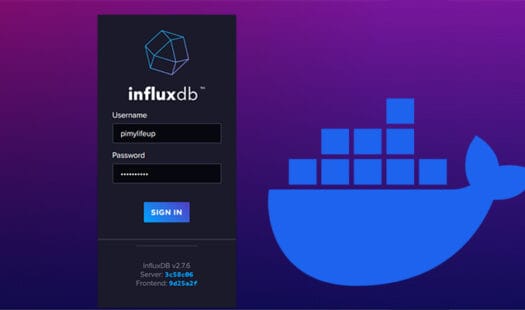
In this quick tutorial, we will show you how to easily run the InfluxDB server using Docker Compose. InfluxDB is a time series-based database that is easy to use and great for storing data from sensors. Read More
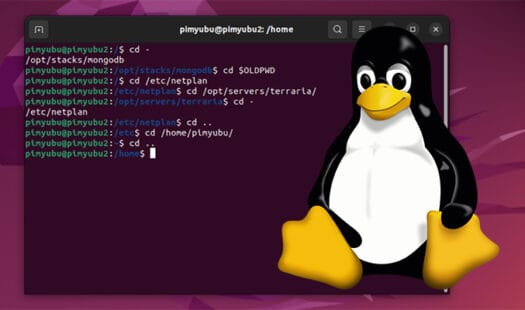
In this quick guide, we will be showing how you can navigate to the previous directory within the Linux terminal. Knowing how to do this makes navigating directories on Linux a significantly smoother experience. Read More
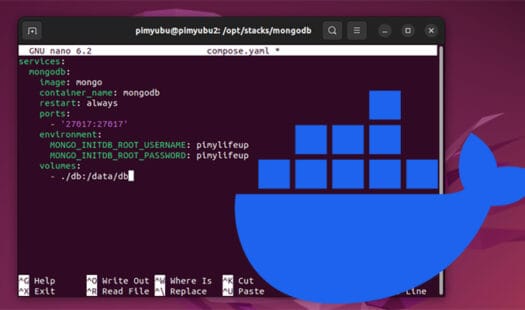
In this tutorial, we will show you how to install and run the MongoDB server on your machine using Docker Compose. Mongo is a NoSQL, document-based database server. Docker makes hosting this server a straightforward process. Read More
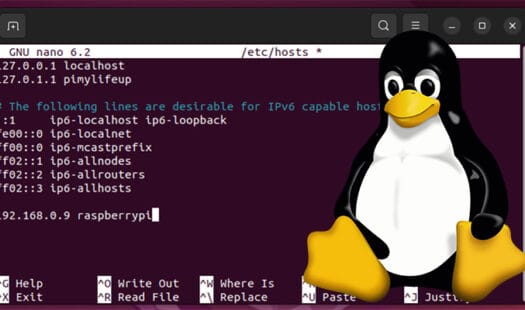
In this quick guide, we will walk you through the simple process of editing the hosts file on a Linux-based operating system. This file allows you to route a specific hostname to an IP address without needing to modify the DNS server itself. Read More
Setting up Vaultwarden on your device using Docker. This alternative to the official Bitwarden server is aimed at being lightweight. It remains compatible with most of the features provided by the heavier official server. Read More
In this tutorial, we will be showing you how to run a V Rising Dedicated Server on Linux. V Rising is a multiplayer survival game where you can play with up to 40 other vampires. We get this server to run by using a Docker container. Read More