Setting up Moonlight on your Raspberry Pi
In this Raspberry Pi project, we will be showing you how to install and run Moonlight. This software is a self-hosted game streaming client known for its low latency and high-quality streaming. Read More
If you are looking for some projects for the Raspberry Pi, you have come to the right place. We have over two hundred different projects for you to choose from.
In this Raspberry Pi project, we will be showing you how to install and run Moonlight. This software is a self-hosted game streaming client known for its low latency and high-quality streaming. Read More
In this guide, we will be showing you how you can flash router firmware to a Sonoff Zigbee Dongle Plus (ZBDongle-P). By acting as a router, this USB dongle can increase the range of your network by just being plugged into a well position USB-A port. Read More
In this tutorial, you will learn how to install and run Retrom on your Raspberry Pi. Retrom is a self-hosted video game library focused on your retro games. It fetches metadata for all your games and displays it in a sleek web interface. Read More
In this tutorial, we will guide you through the process of setting up Home Assistant to monitor the resource usage of your Raspberry Pi system. Home Assistant provides a convenient way to monitor various devices, including your Raspberry Pis. Read More
In this quick guide, you will learn how to set up a desktop environment on the slim version of Raspberry Pi OS. The lite build of Raspberry Pi OS can serve as a great building block, as you don't have to worry about a bunch of packages you may never use. Read More
In this quick guide, you will learn how to use the PiFi distribution to turn your Raspberry Pi into a Wi-Fi router that is perfect for travel. It is built on top of OpenWrt so that it can handle a ton of traffic. It has a lot of built-in functionality, such as VPN support and AdGuard Home. Read More
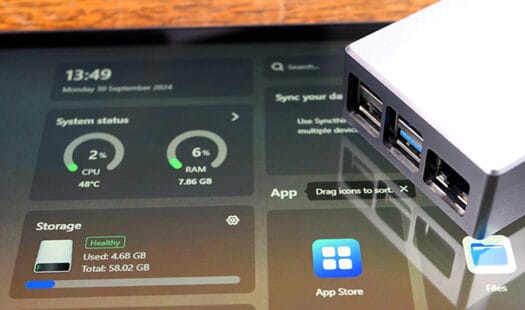
In this tutorial, we will show you how to install CasaOS onto your Raspberry Pi. CasaOS makes it even easier to turn your Pi into a home lab. It sports an easy-to-use web interface that you can use to install Docker applications to your Pi in just a couple of clicks. Read More
In this guide, you will learn how to set up your Raspberry Pi as a Home Assistant Kiosk. Display your dashboard using a lightweight device that can be kept running with minimal power usage. It is also easy to keep locked down to the Home Assistant interface. Read More
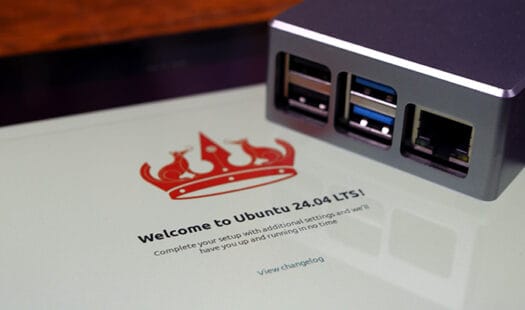
In this quick guide, you will be learning how you can install and run the Ubuntu operating system on a Raspberry Pi. Thanks to official support for the PI's hardware you can get the full desktop experience. To make the most out of this OS you will need a Pi with 4GB of RAM. Read More
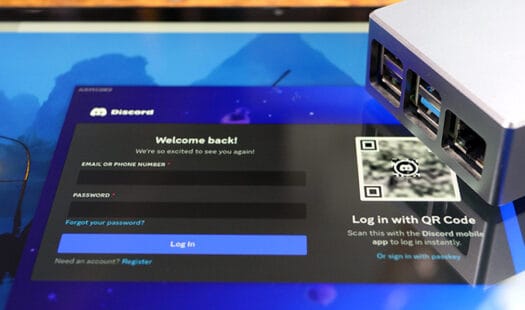
In this tutorial, you will learn how to run the Discord chat client on your Raspberry Pi even though it doesn't officially support Linux ARM. To get this to run on a Pi, we will rely on a third-party client called ArmCord. This client offers many of the same features the official client does but will also run on your Raspberry Pi. Read More
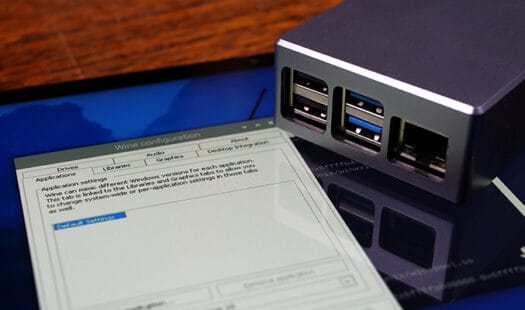
Learn how to install and run Wine on a Raspberry Pi. This compatibility layer enables you to run Windows applications on Linux. Combined with Box86 and Box64 the amount of software you can install to a Pi is significantly increased. Read More
In this project, you will learn how to install and use Waydroid on your Raspberry Pi to run Android applications natively. Waydroid is a container-based version of Android that allows you to run Android apps alongside your normal operating system. Read More
In this tutorial, we will be showing you how you can help protect your Raspberry Pi from outside attackers by using CrowdSec. This software helps protect your system by identifying malicious IP addresses and blocking them from accessing your device. Read More
In this quick tutorial, you will learn how to install and use Neofetch. This tool gives you a quick overview of your system. It is great for providing just enough information without it becoming overbearing. Best of all it is incredibly easy to use. Read More
In this tutorial, you will learn how to self-host Pixelfed on your Raspberry Pi. This software is an image-sharing social network with a very similar style to Instagram. It allows you to self-host your own social network while being part of a large community, thanks to its support for the ActivityPub protocol. Read More
In this tutorial, we will show you how to set up NordVPN's Meshnet on your Raspberry Pi. Meshnet is a free service that links your devices together over a virtual private network. It works similarly to services like Zerotier and Tailscale, and best of all, it is completely free. Read More
In this tutorial, you will learn how to set up and use the LazyDocker Docker management tool on your Raspberry Pi. This command-line tool makes managing your Docker containers significantly easier. You don't have to worry about remembering individual commands and don't need to set up a heavier web-based tool like Portainer. Read More
In this project, you will be learning how to install and run Monit on your Raspberry Pi. This tool can monitor and automatically attempt to repair services that are running on your device. It even has an easy-to-use web interface. Read More
In this project, we will be showing you how to set up a Flask web application on your Raspberry Pi. Flask is a web framework for Python that allows you to very easily create a dynamic web page. Being written in Python you can easily integrate data from the Pi's GPIO pins. Read More
This project will show you how to self-host Kavita on your Raspberry Pi. Kavita is a digital library for your comics, manga, and eBooks. On top of being a great place for storing and managing your eBooks it is also a great reader. It has responsive support so it will adapt to whatever screen you are using. Read More