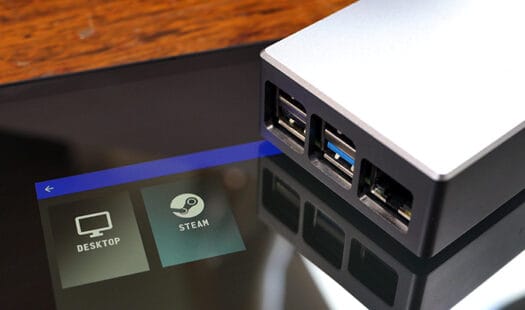
Setting up Moonlight on your Raspberry Pi
In this Raspberry Pi project, we will be showing you how to install and run Moonlight. This software is a self-hosted game streaming client known for its low latency and high-quality streaming. Read More

In this Raspberry Pi project, we will be showing you how to install and run Moonlight. This software is a self-hosted game streaming client known for its low latency and high-quality streaming. Read More

In this guide, we will be showing you how you can flash router firmware to a Sonoff Zigbee Dongle Plus (ZBDongle-P). By acting as a router, this USB dongle can increase the range of your network by just being plugged into a well position USB-A port. Read More
In this tutorial, you will learn how to set up Uptime Kuma on your machine using Docker. Uptime Kuma is a super sleek software that can monitor almost any service using a wide variety of protocols. Read More

In this tutorial, you will learn how to install and run Retrom on your Raspberry Pi. Retrom is a self-hosted video game library focused on your retro games. It fetches metadata for all your games and displays it in a sleek web interface. Read More
In this tutorial, we will be showing you how to self-host PhotoPrism using Docker. Docker makes getting this image hosting service up and running in just a few minutes incredibly easy. This service is packed with smart features that you expect from services like Google Photos. Read More
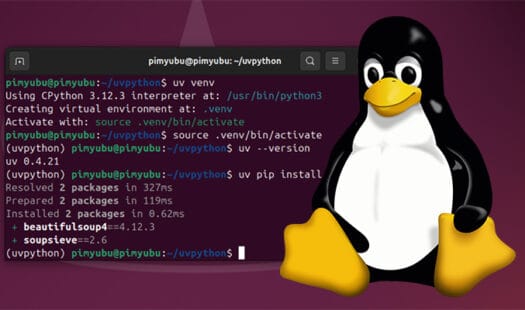
In this guide, you will learn how to install the speedy pip alternative called UV on Linux. UV is a Python package manager written in Rust. Not only is it significantly faster than pip, but it also has a lot of extra functionality built-in, such as the ability to set up Python virtual environments quickly. Read More
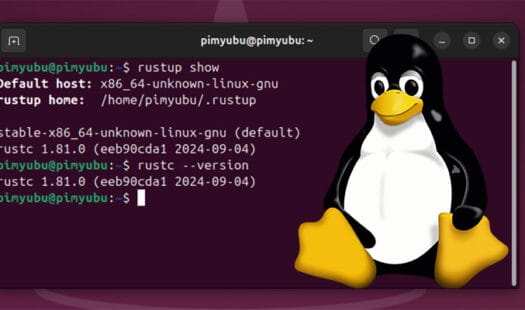
In this quick guide, you will learn how you can install the latest version of the Rust compiler on a Linux based operating system. Rust is a programming language that was developed with a focus on type safety and performance. The compiler is what compiles your code into something the machine can actually run. Read More
In this quick guide, we will be showing you the easiest way to install and use the latest version of OBS on Ubuntu. OBS is the go-to solution for streaming thanks to its performance, compatibility and versatility. This software even has official support for Ubuntu. Read More
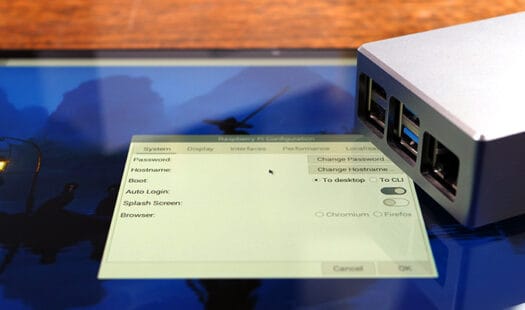
In this quick guide, you will learn how to set up a desktop environment on the slim version of Raspberry Pi OS. The lite build of Raspberry Pi OS can serve as a great building block, as you don't have to worry about a bunch of packages you may never use. Read More
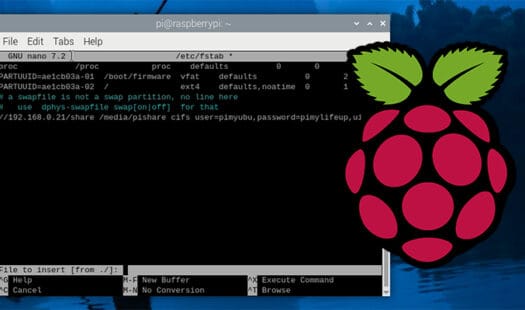
In this tutorial, we will be walking you through the process of how to mount a network drive on your Raspberry Pi. Network Drives can be a great way of accessing data you require from other devices on your Pi. Read More
In this quick guide, you will be learning how you can set up a Samba share easily using a Docker container on Linux. Samba is one of the best protocols for setting up network shares as it is supported by the vast majority of operating systems without needing additional software. Read More
In this guide, we will be showing you how you can easily mount a network drive on the Ubuntu operating system while using the terminal. A network drive is a way of accessing data that is stored on another machine on your network. A NAS often uses network shares to offer access to the data on it Read More
In this quick guide, we will show you how to easily add a user to a group on a Linux-based operating system. Groups are a key component of the Linux permission system, so knowing how to add a user to a group is critical. Read More

In this quick guide, you will learn how to use the PiFi distribution to turn your Raspberry Pi into a Wi-Fi router that is perfect for travel. It is built on top of OpenWrt so that it can handle a ton of traffic. It has a lot of built-in functionality, such as VPN support and AdGuard Home. Read More
In this tutorial, we will show you how to install CasaOS onto your Raspberry Pi. CasaOS makes it even easier to turn your Pi into a home lab. It sports an easy-to-use web interface that you can use to install Docker applications to your Pi in just a couple of clicks. Read More
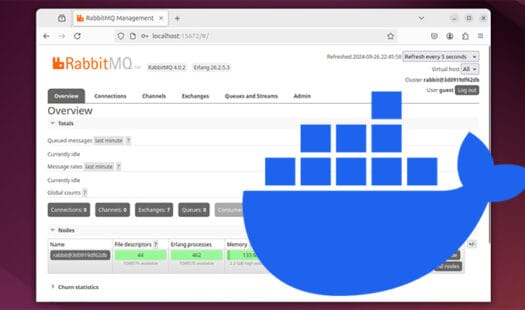
In this tutorial, we will be showing you how you can set up the open-source message broker called RabbitMQ using Docker Compose. RabbitMQ is a great service to use when you have any tasks that you need to queue and process asynchronously. Read More
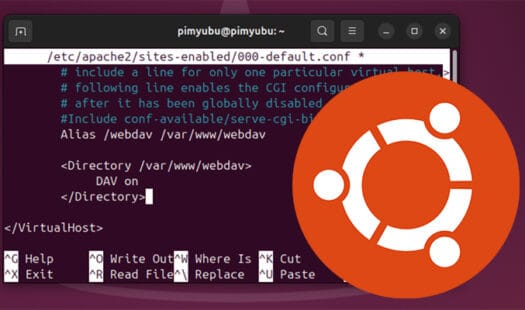
In this guide, you will learn how to install and set up WebDAV on the Ubuntu operating system using the Apache web server. WebDAV is an extension of the HTTP and HTTPS protocols designed to help collaborate on a web server by enabling file creation and editing. Read More
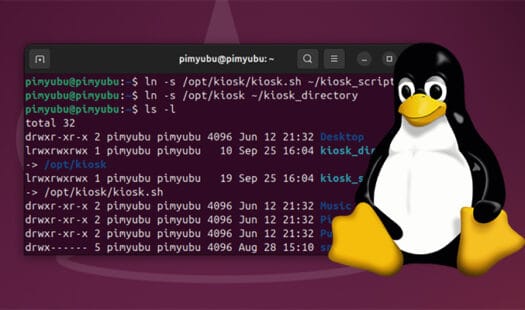
In this Linux guide, you will learn how to create or delete a symbolic link on your Linux based operating system. These links are a special file on Linux that allows you to create a shortcut to a file or directory. Read More

In this guide, you will learn how to set up your Raspberry Pi as a Home Assistant Kiosk. Display your dashboard using a lightweight device that can be kept running with minimal power usage. It is also easy to keep locked down to the Home Assistant interface. Read More

In this article, we explore the MiSTer Pi FPGA Board from Retro Remake. This FPGA development board was developed with a focus on MiSTer. MiSTer is an open-source project that aims to emulate retro consoles at a hardware level rather than a software one. Read More